Gerador de música de fundo com IApara vídeos e conteúdo
Crie trilhas sonoras de fundo para vídeos, podcasts, jogos, anúncios, tutoriais e publicações em redes sociais descrevendo o clima, a cena, o ritmo e os instrumentos desejados com o MusicAny.
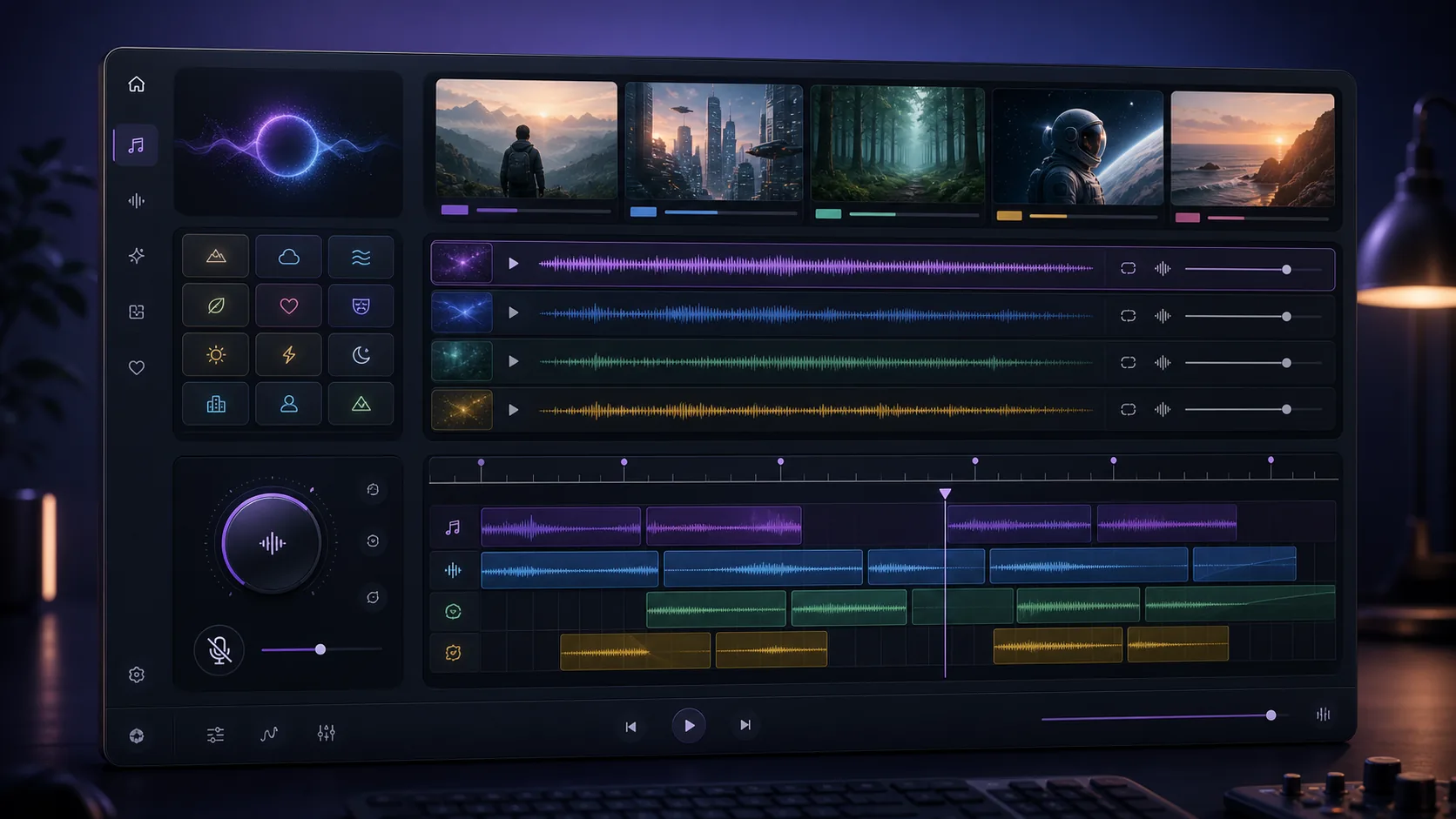
Descreva a trilha sonora de fundo
Escreva a cena, o clima e a duração desejada.
gerador de música de fundo com inteligência artificial
Gere músicas de fundo baseadas no resumo do seu conteúdo
Prompts Baseados em Cenários
Descreva o vídeo, podcast, anúncio ou momento do jogo para que o MusicAny possa gerar uma trilha sonora que complemente a sua narrativa.
Controle de Voz e Instrumental
Utilize faixas instrumentais, sem vocais, com mixagem suave ou baixa distração quando o diálogo ou a narração precisarem de destaque.
Ideias de Loops e Introduções
Prompt para trilhas em loop, introduções curtas, encerramentos, vinhetas e músicas de fundo para redes sociais com MusicAny.
Fluxo de trabalho de vídeo conectado MusicAny
Integre músicas de fundo às ferramentas de vídeo e áudio do MusicAny sempre que precisar de um fluxo de trabalho completo para criação de conteúdo.
Workflow
How it works
- 1Descreva o tipo de conteúdo, o cenário, o clima e a plataforma de destino para o MusicAny.
- 2Adicione requisitos de instrumentação, andamento, nível de energia e ausência de vocais.
- 3Gere variações de música de fundo no MusicAny.
- 4Baixe a faixa ou continue para os fluxos de trabalho de áudio e vídeo com o MusicAny.
FAQ
O que é um gerador de música de fundo com IA?
Um gerador de música de fundo com inteligência artificial cria faixas instrumentais ou com vocais suaves a partir de comandos de texto para vídeos, podcasts, jogos, anúncios e conteúdos de redes sociais.
Posso gerar música de fundo sem vocais com o MusicAny?
Sim. Adicione termos como sem vocais, instrumental ou mixagem ideal para diálogos ao prompt sempre que a faixa precisar servir de fundo para falas.
Posso criar músicas para vídeos do YouTube com o MusicAny?
Sim. Solicite o formato de vídeo, o clima, a duração e a energia exatos. Verifique seu plano MusicAny e os termos do modelo para requisitos de uso comercial.
Posso utilizar música de fundo gerada por IA em um vídeo musical?
Sim. Você pode gerar uma faixa primeiro e, em seguida, utilizar os fluxos de trabalho de vídeo do MusicAny para criar elementos visuais ou finalizar o seu projeto.