KI-gestützter Hintergrundmusik-Generatorfür Video- und Content-Produktionen
Erstellen Sie Hintergrundmusik für Videos, Podcasts, Spiele, Werbeanzeigen, Tutorials und Social-Media-Beiträge, indem Sie einfach Stimmung, Szene, Tempo und Instrumentierung mit MusicAny beschreiben.
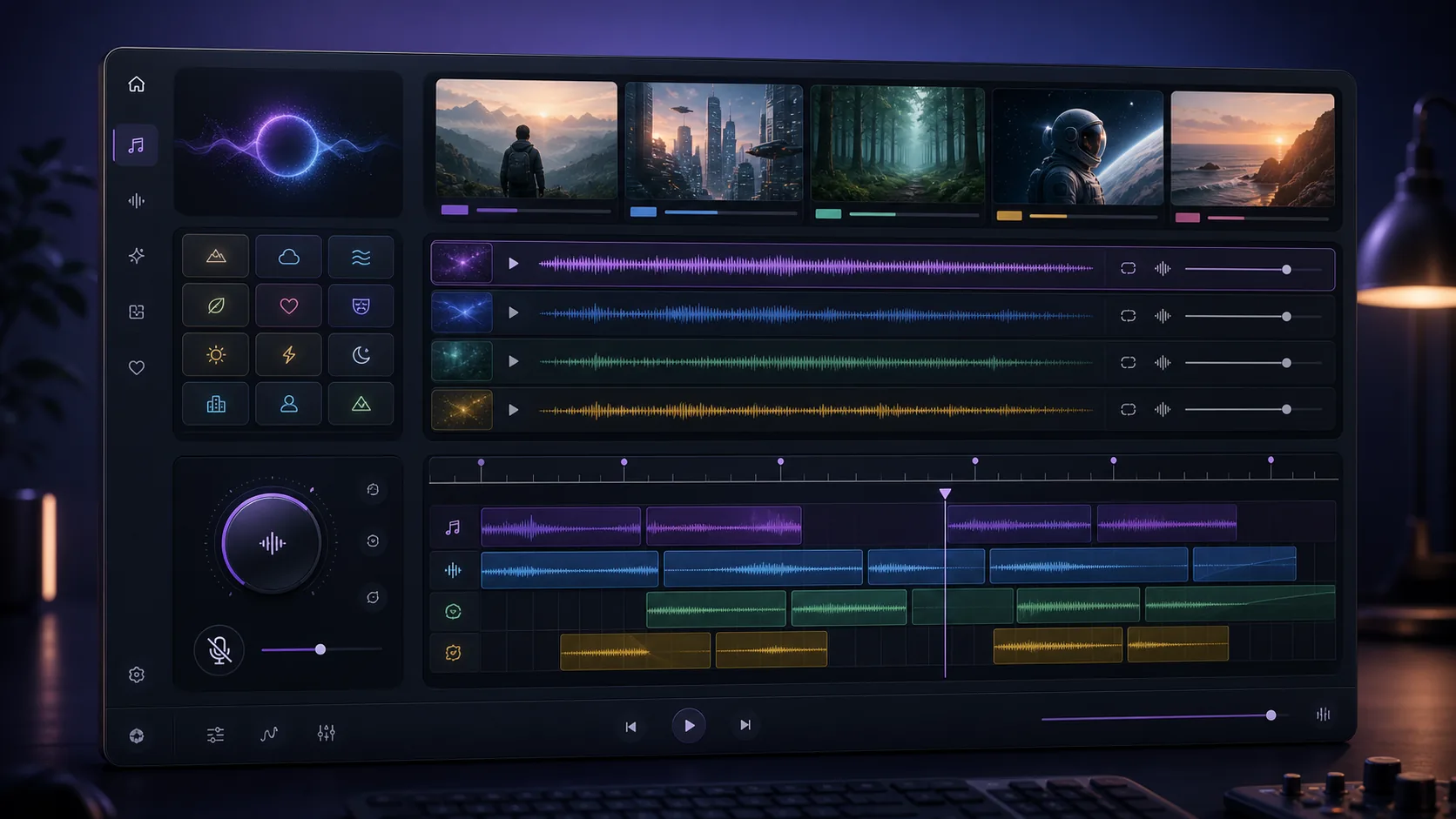
Beschreiben Sie den Hintergrundtitel
Geben Sie die Szene, die Stimmung und die gewünschte Dauer für MusicAny an.
KI-gestützter Hintergrundmusik-Generator für MusicAny
Erstellen Sie Hintergrundmusik passend zum inhaltlichen Briefing
Szenenbasierte Prompts
Beschreiben Sie das Video, den Podcast, die Werbung oder den Spielmoment, damit MusicAny einen Soundtrack erstellen kann, der Ihre Geschichte perfekt untermalt.
Gesangskontrolle
Nutzen Sie Instrumentalmusik ohne Gesang, einen sanften Mix oder ablenkungsfreie Klänge, wenn Dialoge oder Erzählungen im Vordergrund stehen sollen.
Ideen für Loops und Intros
Prompt für loopbare Musikbetten, kurze Intros, Outros, Stinger und Hintergrundmusik für soziale Medien.
Vernetzter Video-Workflow
Integrieren Sie Hintergrundmusik in die MusicAny Video- und Audiotools, wenn Sie einen vollständigen Workflow für Ihre Content-Erstellung benötigen.
Workflow
How it works
- 1Beschreiben Sie den Inhaltstyp, die Szene, die Stimmung sowie die Zielplattform für MusicAny.
- 2Fügen Sie Anforderungen zu Instrumentierung, Tempo, Energielevel und Instrumentalversionen hinzu.
- 3Erstellen Sie Hintergrundmusik-Variationen mit MusicAny.
- 4Laden Sie den Titel herunter oder fahren Sie mit den Video- und Audio-Workflows von MusicAny fort.
FAQ
Was ist ein KI-Generator für Hintergrundmusik?
Ein KI-gestützter Musikgenerator für Hintergrundmusik erstellt instrumentale oder gesangsarme Titel basierend auf Texteingaben für Videos, Podcasts, Spiele, Werbung und Social-Media-Inhalte.
Kann ich mit MusicAny Hintergrundmusik ohne Gesang erstellen?
Ja. Fügen Sie dem Prompt keine Hinweise wie Vocals, Instrumental oder dialogfreundlicher Mix hinzu, wenn der Titel als Hintergrundmusik für Sprachbeiträge dienen soll.
Darf ich Musik von MusicAny für meine YouTube-Videos verwenden?
Ja. Geben Sie das genaue Videoformat, die Stimmung, die Länge und die Energie an. Überprüfen Sie Ihren MusicAny-Plan sowie die Modellbedingungen hinsichtlich der Anforderungen für die kommerzielle Nutzung.
Darf ich die generierte Hintergrundmusik für ein KI-Musikvideo verwenden?
Ja. Sie können zunächst einen Titel generieren und anschließend die MusicAny Videoworkflows nutzen, um visuelle Inhalte zu erstellen oder das Projekt abzuschließen.